The 2026 Childminder App Selection Framework
Don't just pick a childminding app because it's popular. Use our framework to ensure your software is inspection-ready and MTD compliant.
 Ofsted & MTD Ready
The 4 Pillars of a Great App
Statutory Compliance
Does it record accidents, medications, and safeguarding logs with digital signatures? This is a non-negotiable for Ofsted.

Financial Readiness
With MTD for Income Tax arriving in 2026, your app must track actual costs and provide digital records for HMRC.

Operational Friction
Can you use it with one hand? It should reduce your Sundays spent on paperwork, not add to them.
How to Evaluate Your Software
Use these three evaluation stages to filter through the noise and find the best childminder app for your setting.

Phase 1: Compliance Audit
Verify the technical details. Does it support the 2026 EYFS changes? Is data stored in UK-based servers?

Phase 2: Parent Experience
A childminding app is only half the story. Check the parent portal usability. Is it easy for them to pay?
Phase 3: ROI Analysis
Compare the monthly cost against the time saved. A £20/month app that saves 4 hours is worth £100+ in your pocket.
The Early Years Software Landscape
Understanding the broader early years ecosystem helps in choosing the right software. Different platforms are designed for different settings, and what works for a large day nursery or an agency-led educator may not suit an independent childminder.
Observation-Focused Software
Some platforms focus on developmental observations and learning journals, helping educators track progress under the EYFS.
Best For: Schools & observationsNursery Management Systems
Comprehensive nursery systems are built for day nurseries to handle check-ins, staff rotas, parent billing, and multi-room operations.
Best For: Multi-site nurseriesAgency & Network Apps
Some childminder agencies offer their own apps and administrative frameworks for the educators registered with them.
Best For: Agency-registered settingsLooking for Independent, All-in-One Childminding Software?
The KinderStart childcare app is designed from the ground up for independent UK childminders, combining EYFS tracking, mealtimes safety registers, and automated HMRC-compliant accounting. Explore our complete breakdown of childminder app features to see how daily workflows run on mobile.
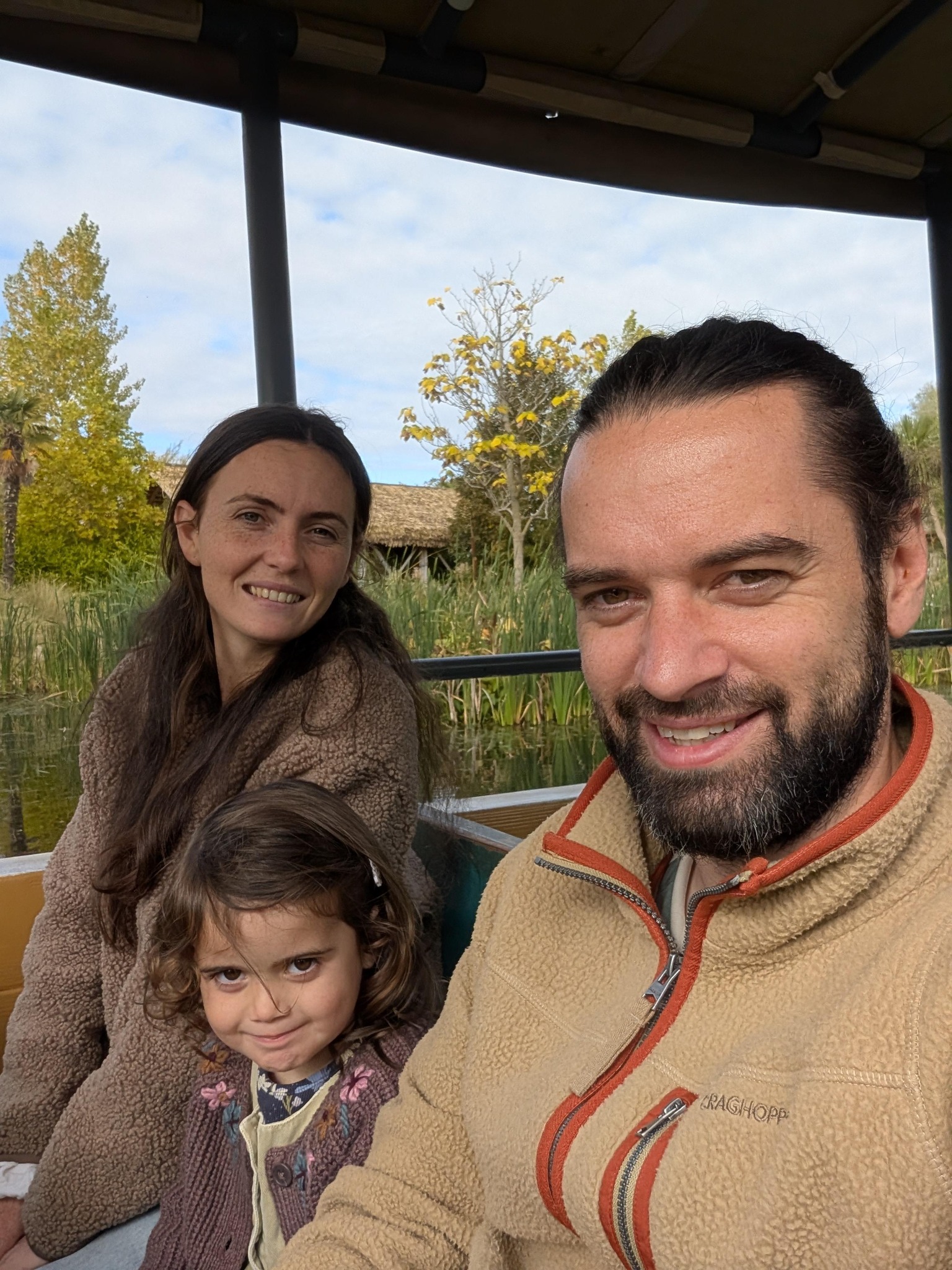
Who builds KinderStart
I'm Dan. I write the code behind KinderStart, and when you email support, I'm the one who replies.
Most of the app started as a message from a childminder: a form that didn't match what inspectors ask for, an invoice that got funded hours wrong, a diary screen that needed two hands. Those get fixed first, and every change goes in the changelog so you can see what's moved.
Finding the Best Childminder App in 2026
The childcare landscape is changing. With the massive rollout of funded hours and the introduction of Making Tax Digital (MTD), the requirements for a "good" childminder app have moved from simple diary logging to complex business management.
Understanding the Early Years Software Landscape
When choosing an app, it is helpful to look at the different categories of software available:
- Observations & Journals: Some platforms focus primarily on observations, letting childminders document EYFS learning journeys.
- Nursery Administration: Nursery systems are built to manage large-scale child check-ins, staff rota scheduling, and billing operations.
- Agency-Supported Platforms: Some childminder agencies provide their own apps for the childminders registered with them.
- Independent Childminder Software: KinderStart is built specifically for independent childminders, providing a single place to handle mealtimes safety registers, EYFS tracking, and Making Tax Digital (MTD) compliant financial tools.
Why generic childcare software fails UK childminders
Many "global" apps don't handle the nuances of the UK's EYFS framework or Ofsted's specific safeguarding requirements. When choosing your platform, ensure it handles:
- Digital Signatures: Vital for accident and medication logs.
- Integrated Ratio Tracking: Automatic alerts if you exceed your legal capacity based on sign-ins.
- MTD Reporting: The ability to submit quarterly updates and your final declaration directly to HMRC, compatible with the 2026 mandate.
Comparing Childminder Apps: Features to Look For
In our 2026 audit of available tools, we found that the most successful childminders prioritise mobile-first design. If you have to sit at a laptop for more than 15 minutes a day, the software isn't working for you.
Why KinderStart is the benchmark childminding app
We built KinderStart specifically for the UK market. While other platforms try to do everything for nurseries and schools, we focus exclusively on the childminder experience. That means one-handed logging, integrated funding calculators, and a "warm minimalist" UI that parents actually love to use.
Try it on tonight's paperwork
Seven days free. Add your children, send one invoice and fill in one diary, then decide.
Cancel in the app before day 7 and you pay nothing.
Where we mention other providers, check each provider's own website for its current features and prices. Product names are trademarks of their owners.